
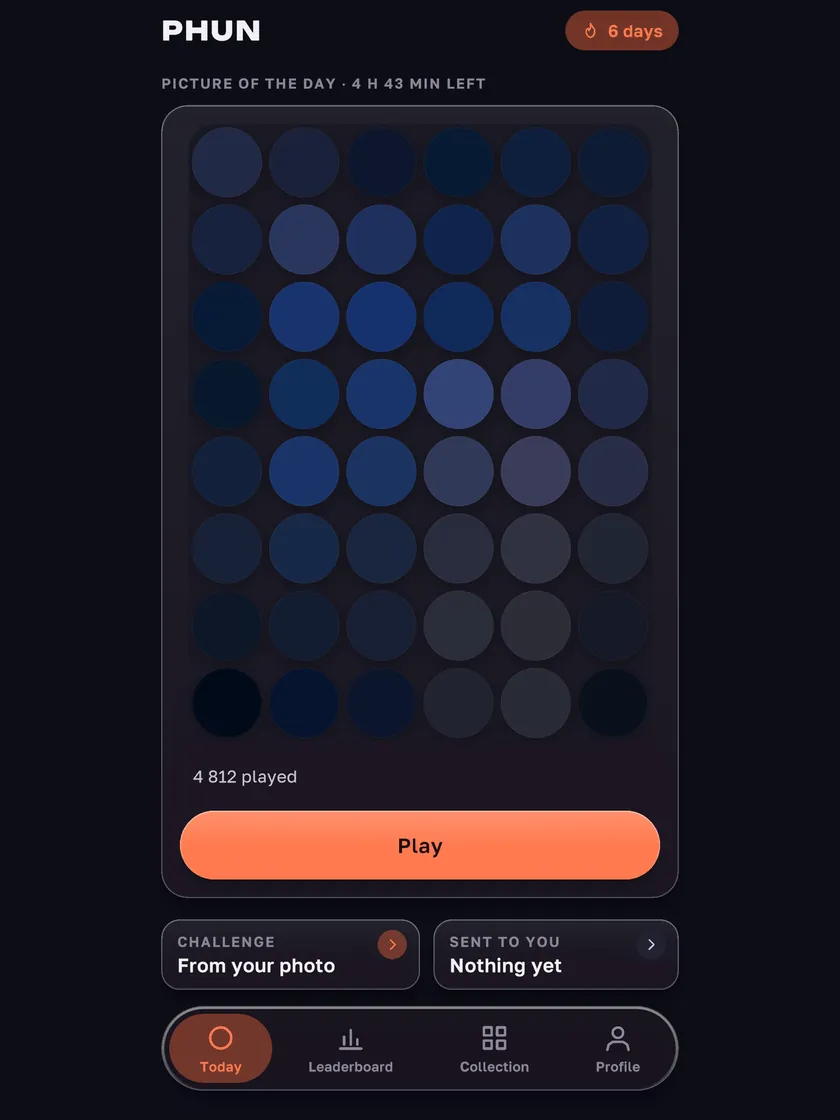
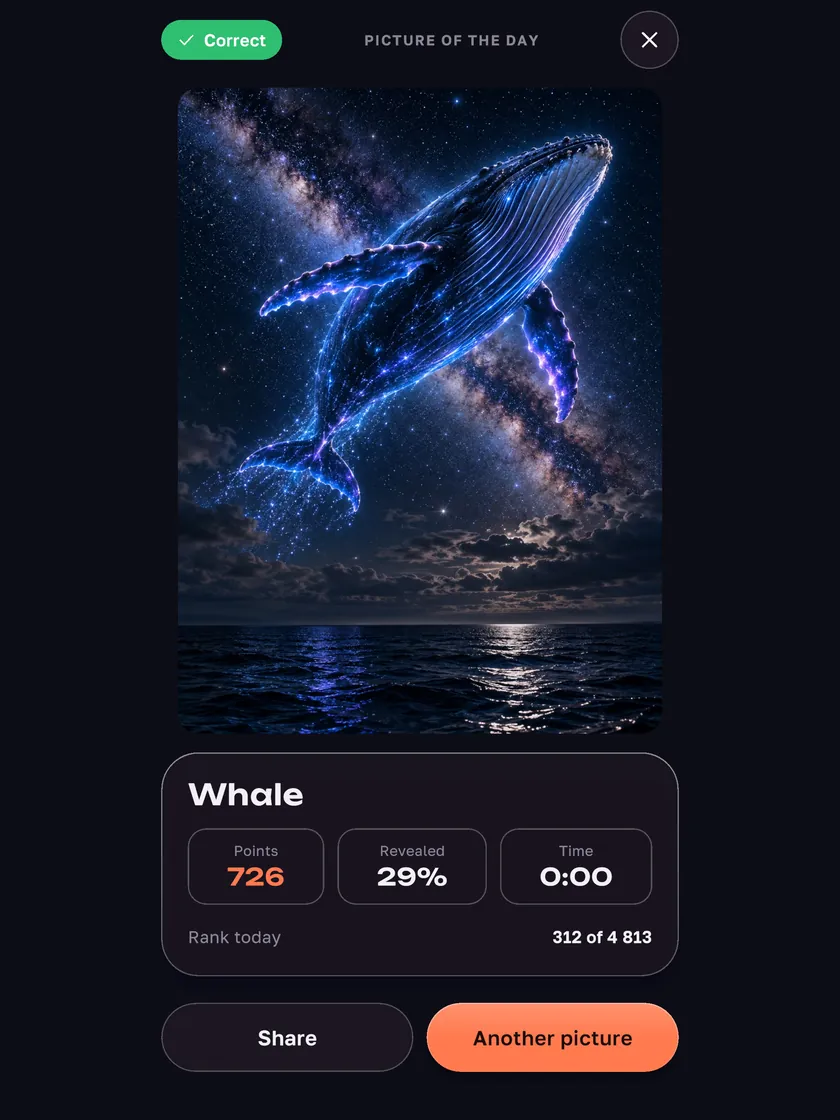
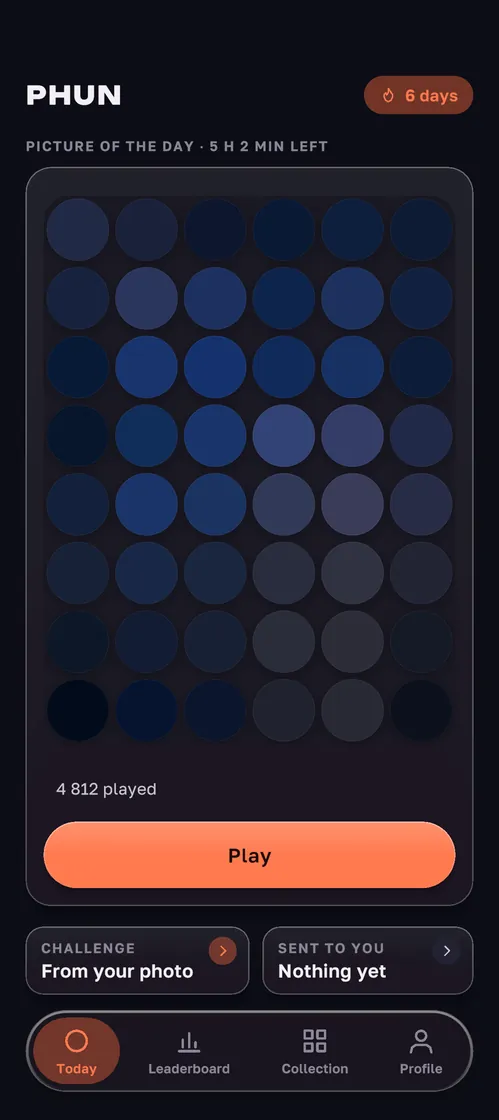
A puzzle game about a hidden picture that appears piece by piece wherever you swipe. Two ways to score: name it while most of it is still hidden, or uncover the whole picture as fast as you can.


A picture hides under the tiles
- 1
Scratch
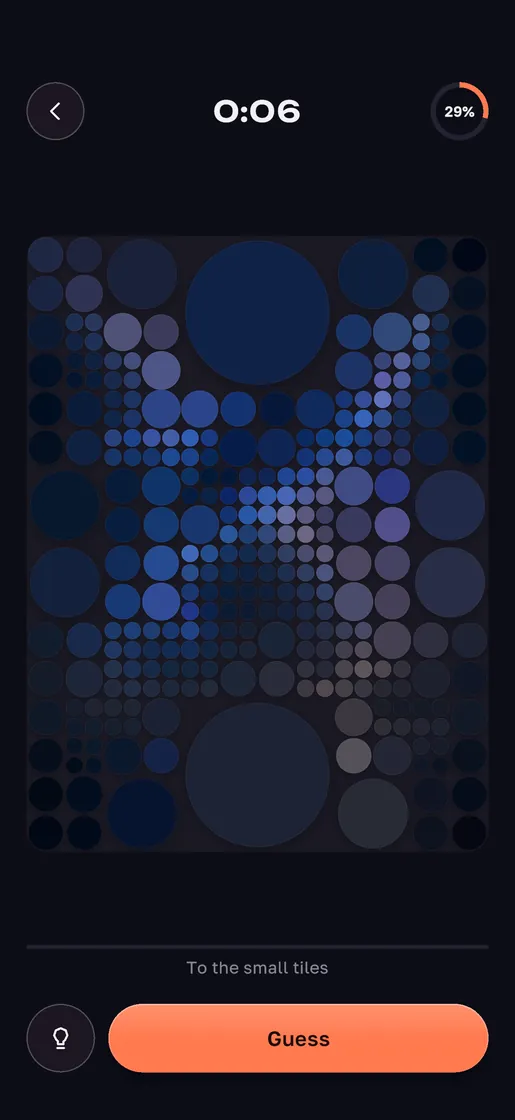
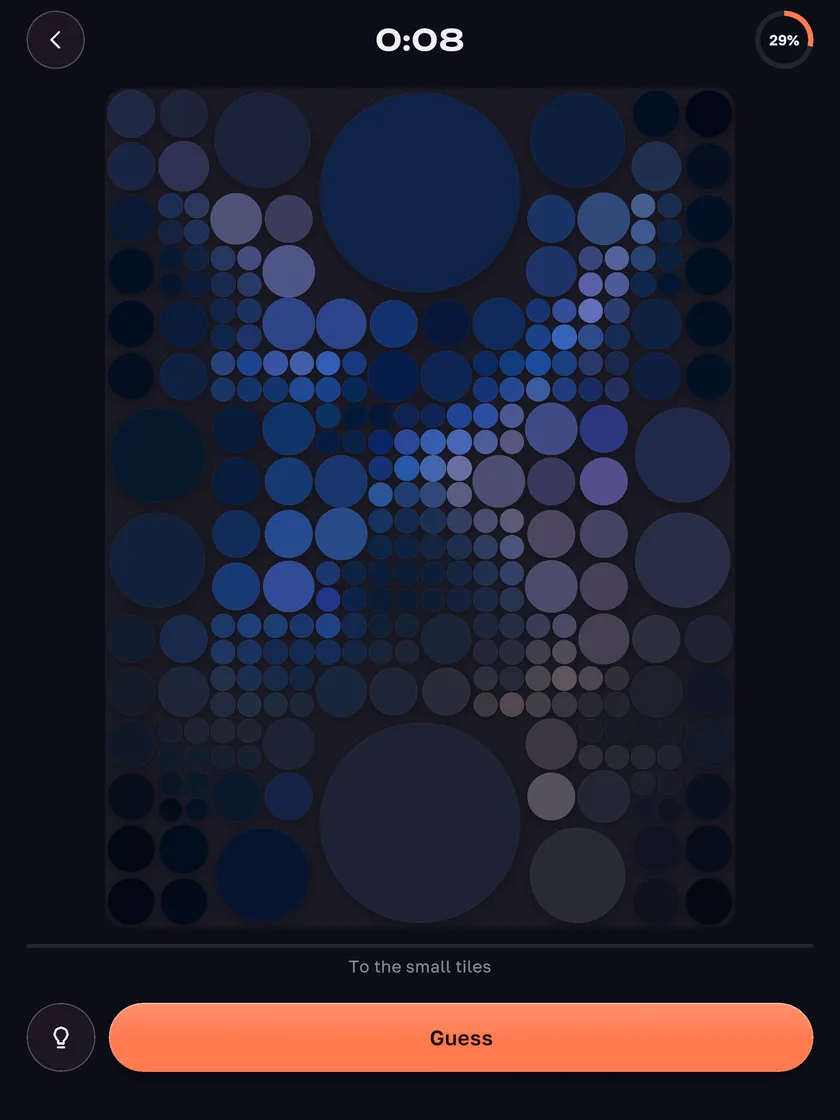
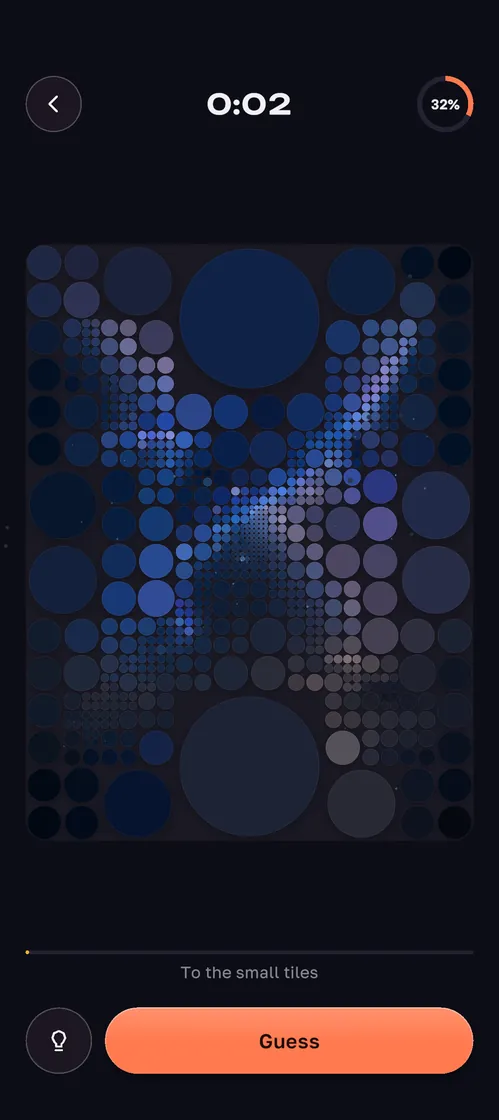
Swipe a finger and it shows through where you touched: big blocks first, then finer ones, down to the real pixels.
- 2
Guess early
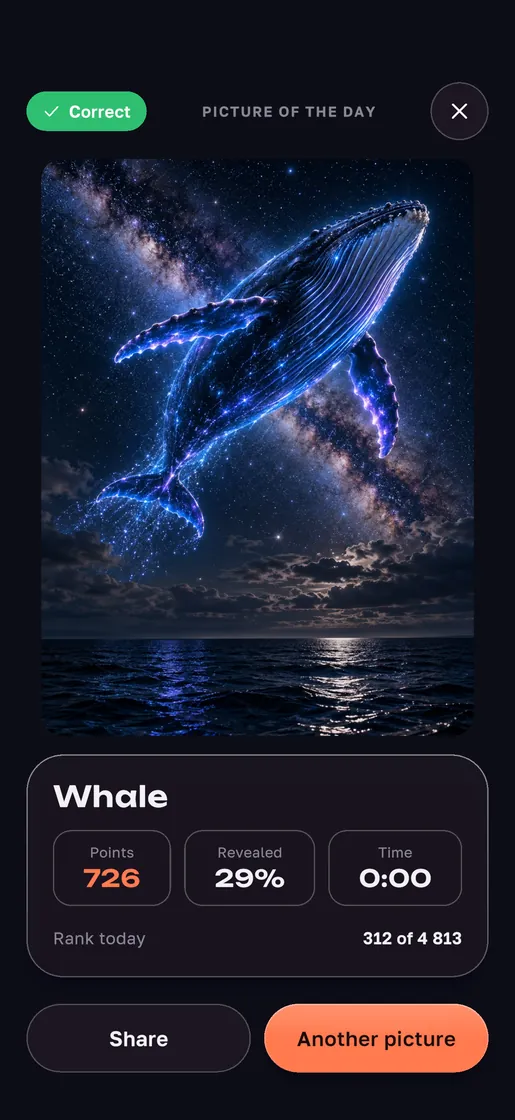
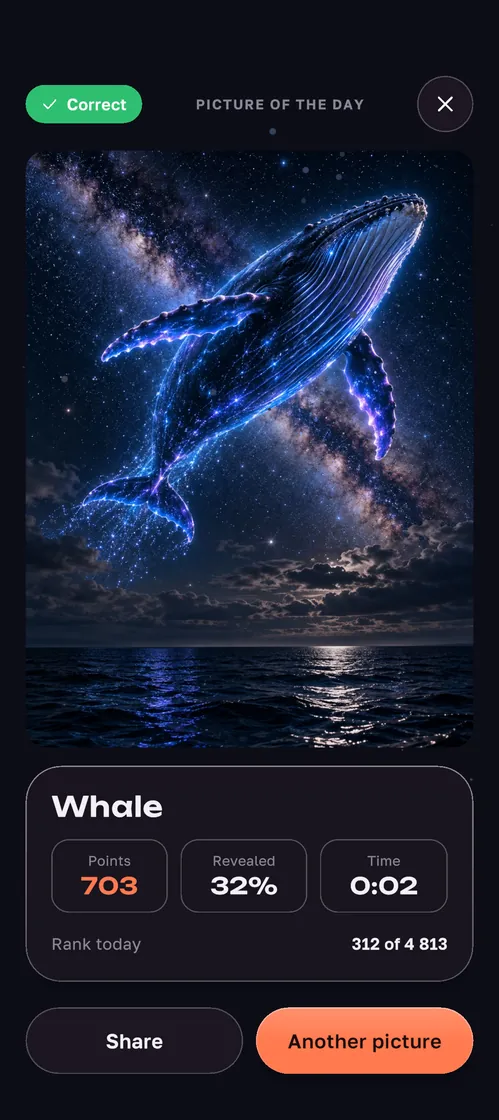
Guess it while most of the board is still covered and you score more.
- 3
Or clear the board
Uncover the whole picture to the end: speed counts too.
One picture, the same for everyone
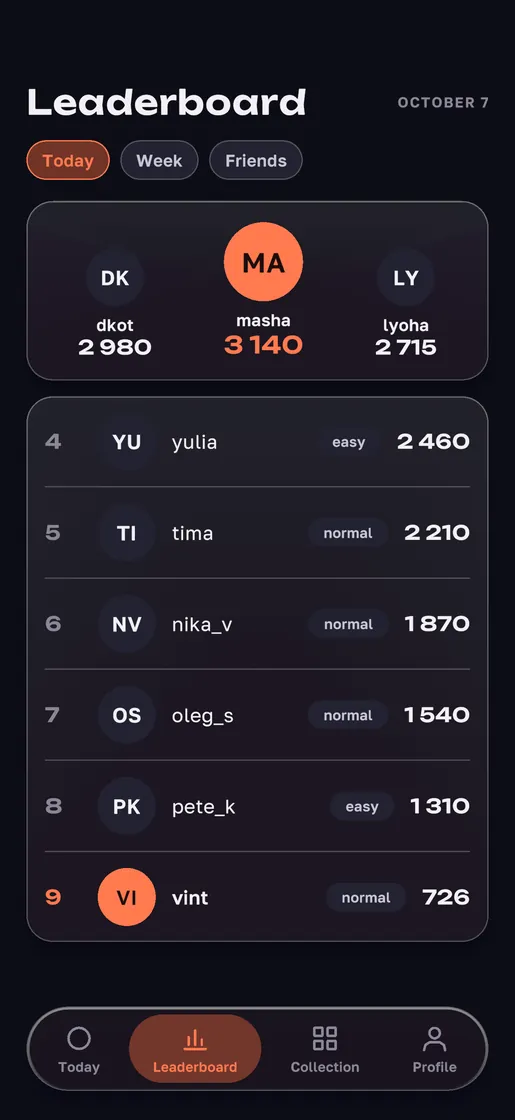
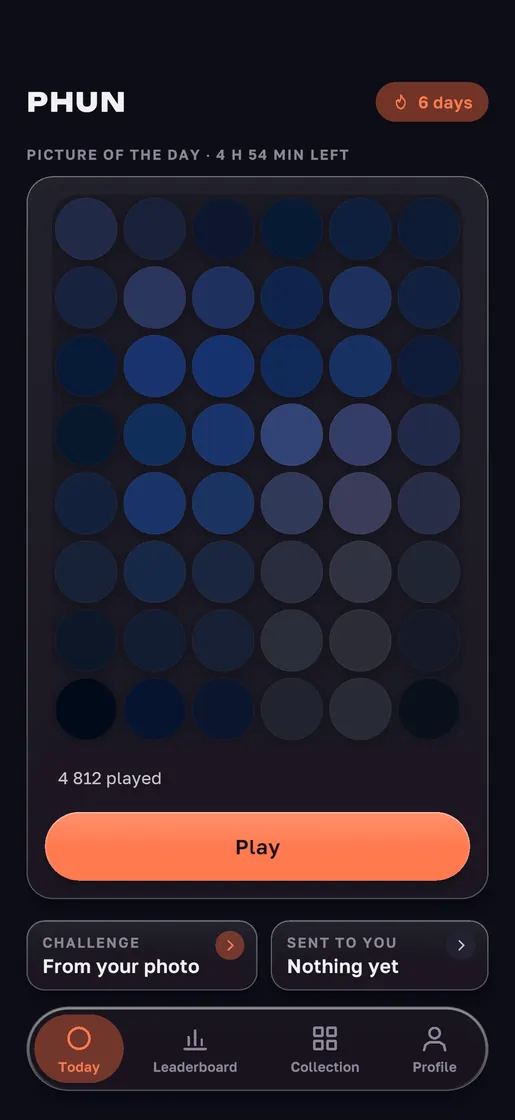
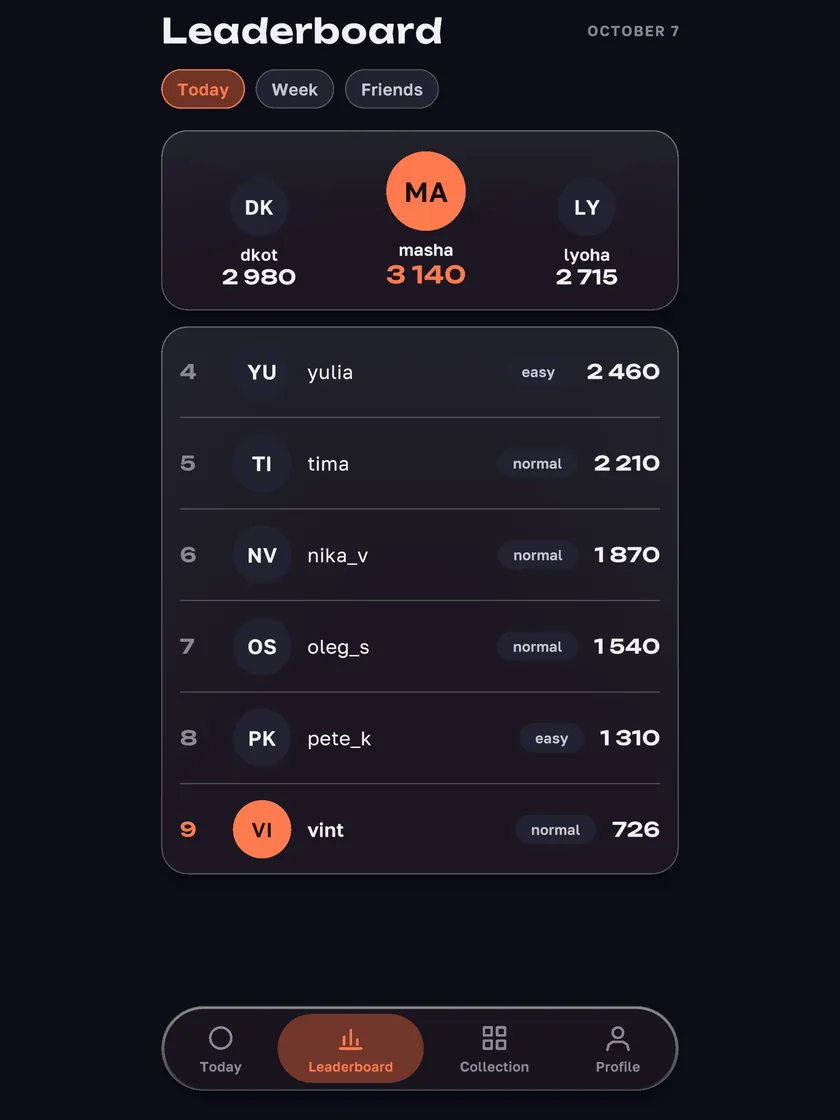
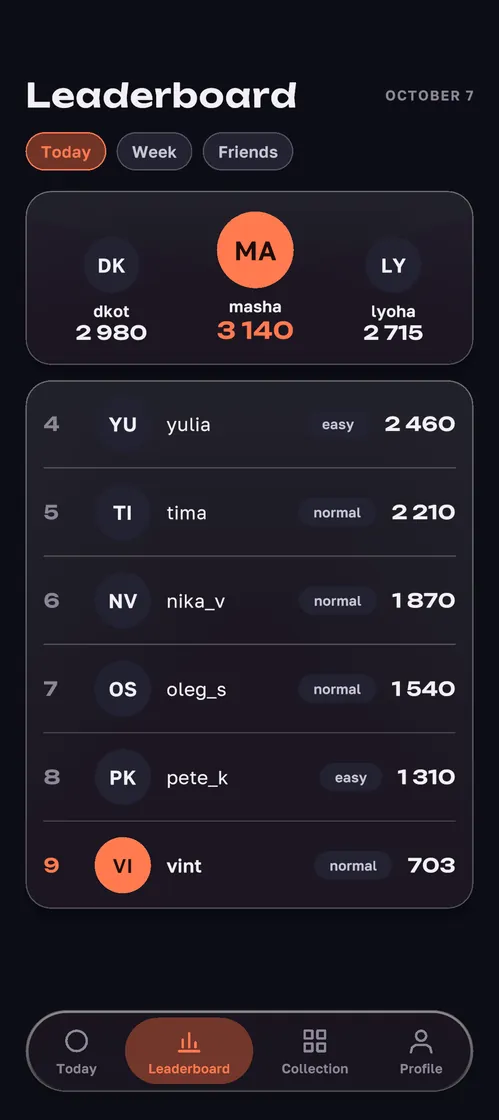
One picture a day, the same for everyone, and one leaderboard for today and for the week.
- A new picture every day
- Leaderboards for today and for the week
- Friends by nick or link, their results next to yours
Your way to play
Three difficulties
Easy gives four options and two tries, Hardcore shrinks the tiles and shows false colors, with points worth half as much again.
Hints in words
Need a hint? It comes in words and opens nothing on the board — one hint for a short ad.
Friends
Add them by nick or link — their results sit next to yours on the leaderboard.
Challenges from your photos
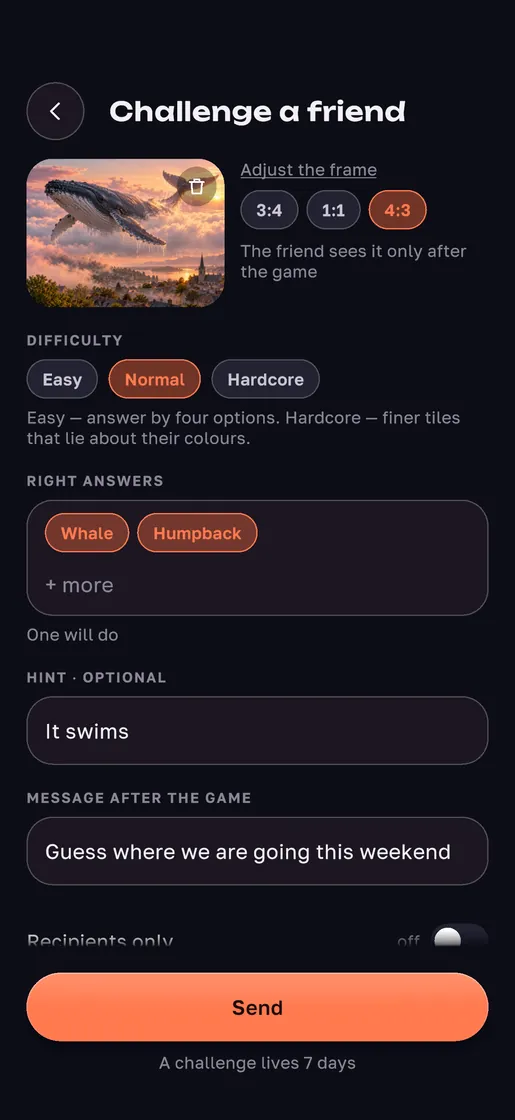
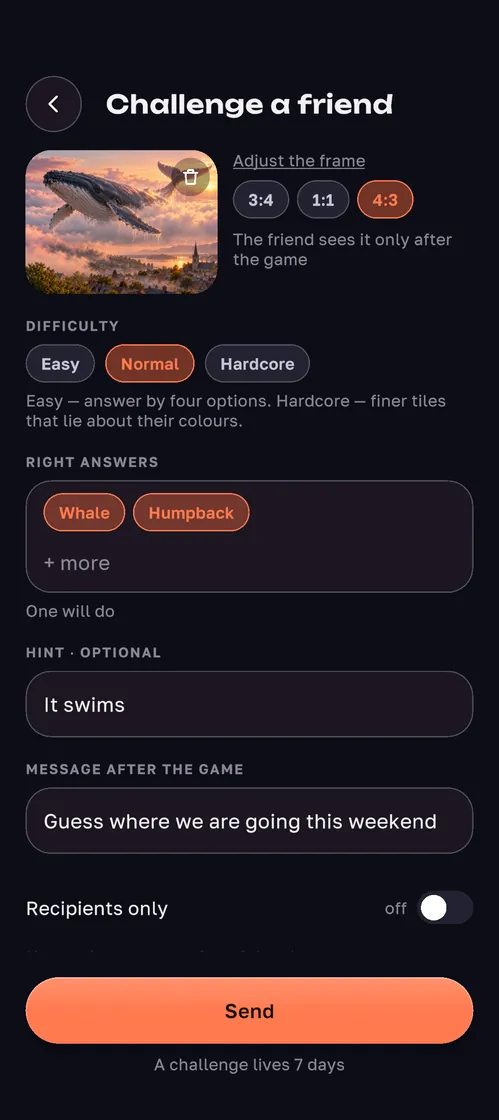
Make a challenge from your own photo: the shot, the answer, a hint and a message for after the game — and send it to friends or by link.
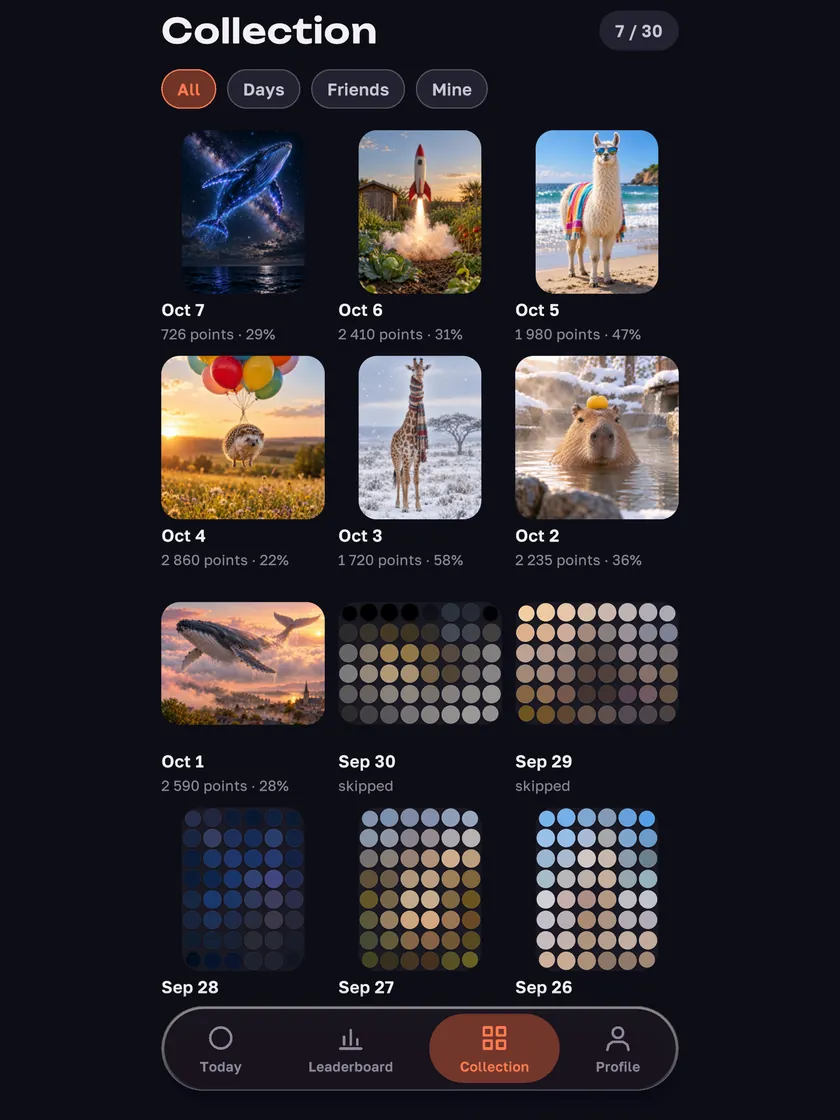
Collection
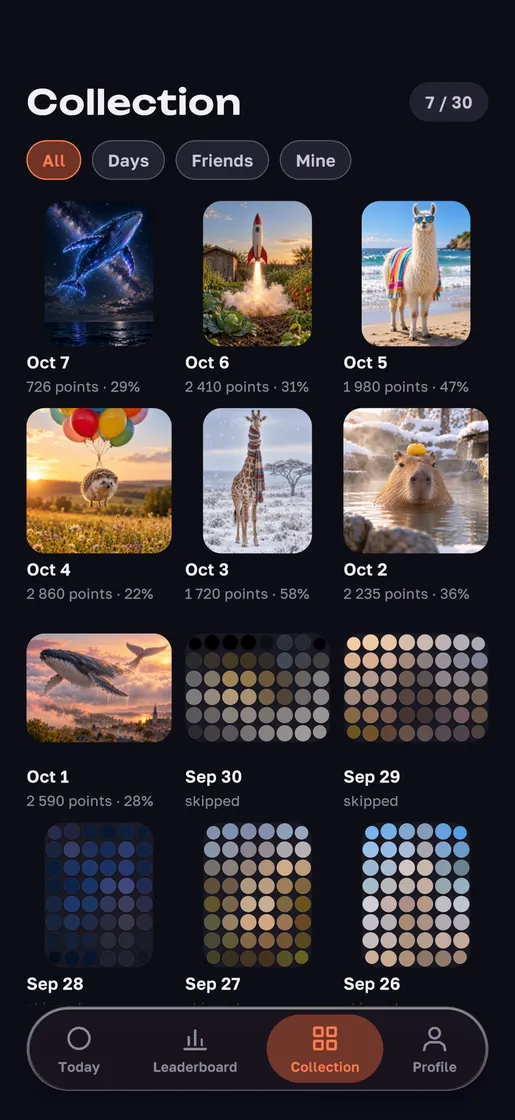
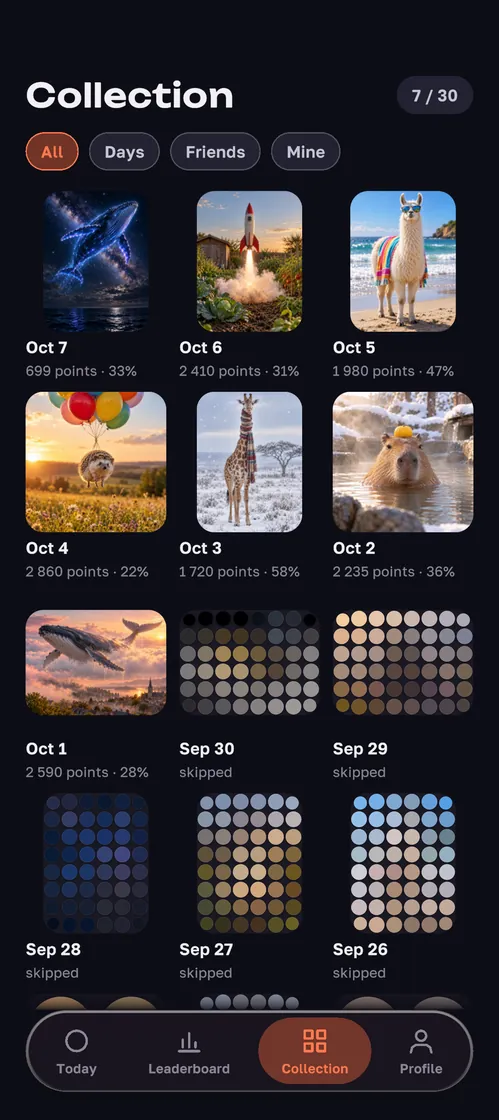
Every picture you have played, your days and your friends’ challenges.
Themes and tile shapes
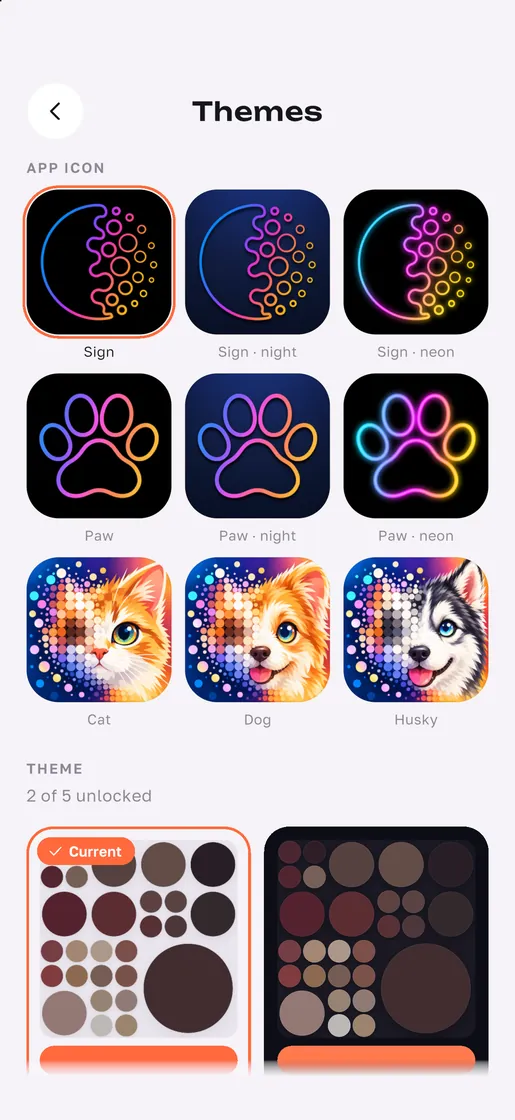
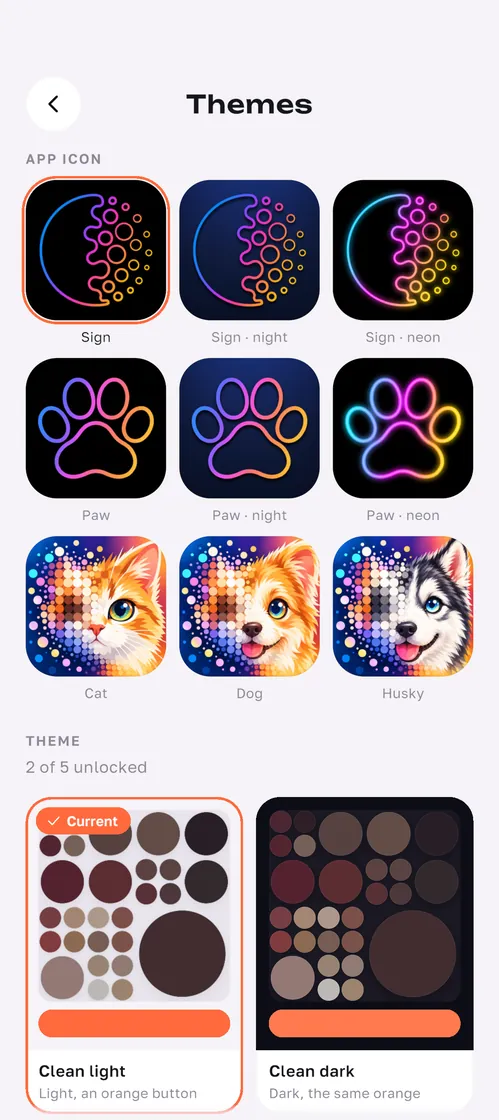
Circles, squares and diamonds from the start, hexagons and hearts for games and friends.
See it in the game
Does the game have ads?
The game has ads: a banner, videos between pictures and a video for a hint. The paid PHUN+ subscription has no ads. Statistics and crash reports can be switched off in the settings. More in the Privacy Policy.
Which languages?
English and Russian.
How do I delete my account?
In the game: Settings → Delete account. Without the game, use the Delete your PHUN account page.
How do I reach support?
Write to support@phun.win or use the form on the Support page.
iPhone, iPad, Android and the web
iPhone and iPad — the beta through TestFlight: tap the TestFlight button. The App Store, Android and the web are next.